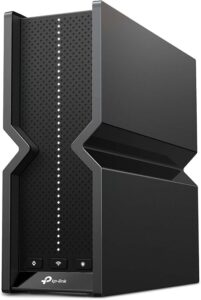
Remote work has made online security more important than ever. The best VPN for working remotely protects sensitive work data, encrypts internet traffic, and helps secure connections whether you’re working from home, a shared workspace, or public Wi-Fi. Pairing a VPN with a reliable Wi-Fi 7 router also strengthens your home office network.
Choosing the best VPN for working remotely isn’t only about privacy. A good VPN should deliver fast speeds for Zoom meetings, Microsoft Teams calls, cloud storage, and large file transfers without interrupting productivity. This guide compares the top VPN services and VPN hardware to help you choose the right solution for your workflow.
Best VPN for Working Remotely
The best VPN for working remotely is NordVPN Basic because it combines excellent connection speeds, strong AES-256 encryption, an extensive global server network, and easy-to-use apps for Windows, macOS, Linux, Android, iPhone, and Fire TV. However, Surfshark VPN offers outstanding value for households, while GL.iNet VPN routers provide an excellent solution for securing an entire home office or protecting devices while traveling.
Our Top Picks at a Glance
These are the five VPN products that stood out based on security, connection speed, privacy features, device compatibility, ease of use, and overall value for remote workers. Whether you need a premium VPN subscription, an affordable option, or dedicated VPN hardware for your home office, these recommendations cover the best choices for most professionals.
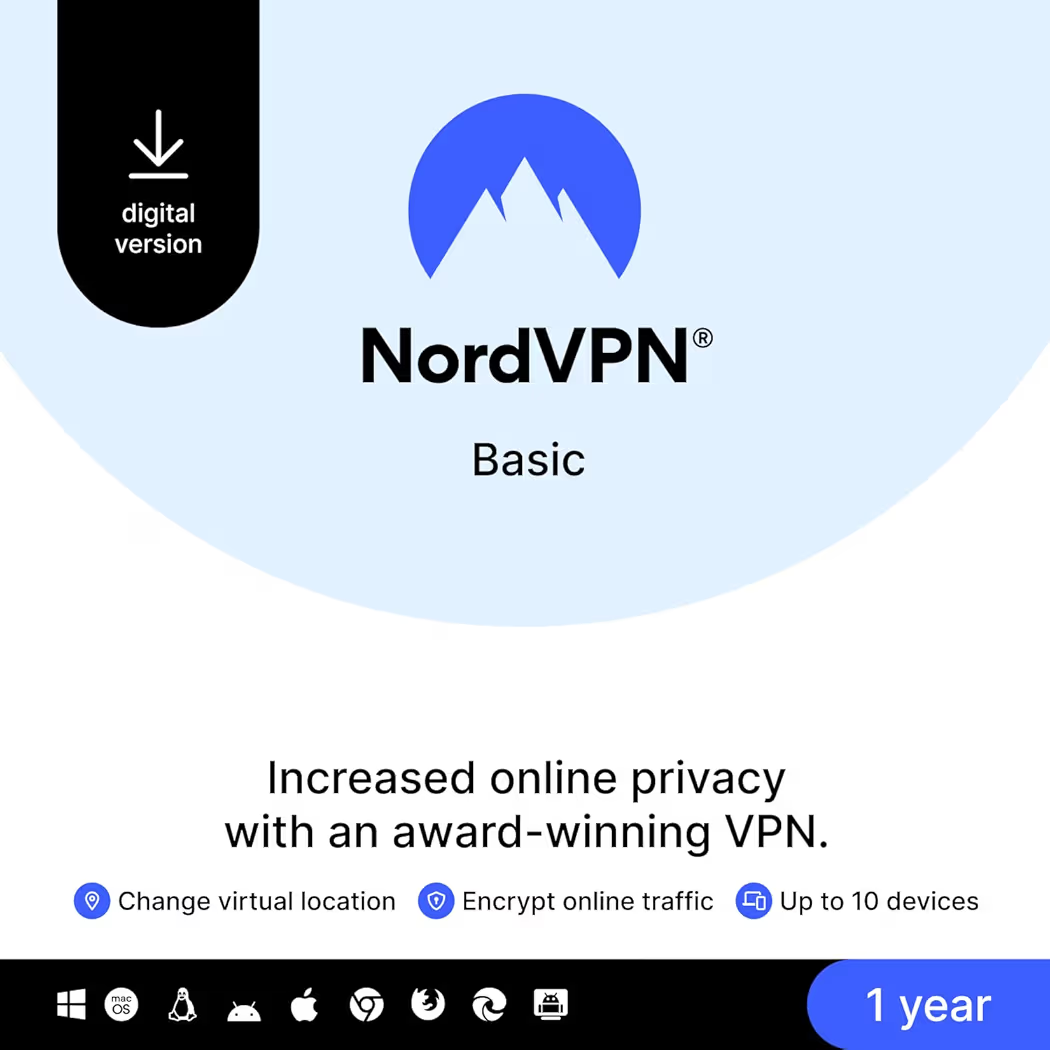
NordVPN Basic — Best Overall
Why we picked it: NordVPN Basic delivers the best balance of speed, security, privacy, and ease of use, making it the ideal choice for most remote workers, freelancers, and business professionals.
 Click image to enlarge
|
From $29.99
|
Surfshark VPN — Best Value
Why we picked it: Surfshark VPN offers unlimited device connections, excellent WireGuard performance, and strong security features at an affordable price, making it a smart choice for families and freelancers.
 Click image to enlarge
|
Subscription Required
|
TunnelBear VPN — Best for Beginners
Why we picked it: TunnelBear VPN keeps online security simple with an easy-to-use interface, dependable encryption, and straightforward setup that suits first-time VPN users.
 Click image to enlarge
|
From $29.99
|
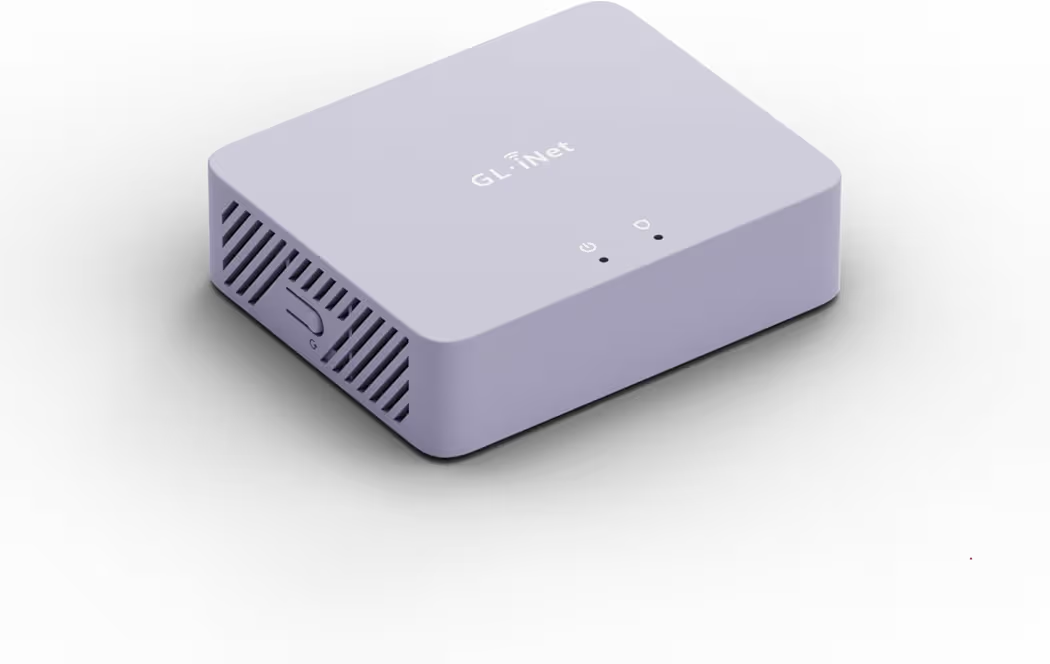
GL.iNet GL-MT300N-V2 Mango — Best Budget Travel VPN Router
Why we picked it: GL.iNet GL-MT300N-V2 Mango makes it easy to secure hotel, airport, and café Wi-Fi by creating a private VPN-protected network wherever remote work takes you.
 Click image to enlarge
|
From $29.99
|
GL.iNet MT5000 Brume 3 — Best Home Office VPN Gateway
Why we picked it: GL.iNet MT5000 Brume 3 provides enterprise-grade VPN protection for an entire home office with high WireGuard performance, making it ideal for professionals who manage multiple connected devices.
 Click image to enlarge
|
From $129.99
|
Prices may change over time. We may earn a commission if you purchase through our affiliate links at no additional cost to you.
Best VPNs for Working Remotely Reviewed
NordVPN Basic — Best Overall
Price: From $29.99
Why We Recommend It
NordVPN Basic is the best VPN for working remotely because it consistently balances speed, privacy, and ease of use. NordVPN works well for video meetings, cloud applications, and secure access to company resources, making it suitable for remote employees, freelancers, and business owners.
Key Features
- Supports up to 10 devices
- NordLynx protocol for high-speed connections
- AES-256 encryption
- Kill Switch protection
- Threat Protection
- Global server network
- No-logs policy
Pros and Cons
| Pros | Cons |
|---|---|
| Excellent connection speeds | Password manager not included in Basic plan |
| Strong privacy features | Advanced features require higher plans |
| Easy to install and use | |
| Reliable for video conferencing |
NordVPN performs particularly well during long workdays filled with Microsoft Teams meetings, Zoom calls, and cloud collaboration. Switching between servers is quick, while the NordLynx protocol keeps file uploads and downloads responsive without noticeable interruptions.
Additionally, NordVPN protects remote workers using public Wi-Fi in hotels, airports, and cafés. The Kill Switch automatically blocks internet traffic if the VPN disconnects, reducing the risk of exposing sensitive company information. According to the National Institute of Standards and Technology (NIST), encrypted connections are an important part of protecting remote work environments.
If your laptop has limited ports, pairing NordVPN with a quality USB-C docking station creates a more productive workstation without sacrificing security.
Surfshark VPN — Best Value
Price: Subscription Required
Why We Recommend It
Surfshark VPN is the best value because one subscription covers unlimited devices. That flexibility makes Surfshark attractive for households where multiple laptops, smartphones, tablets, and streaming devices require secure internet access.
Key Features
- Unlimited simultaneous connections
- WireGuard protocol
- CleanWeb ad blocker
- Kill Switch
- Split tunneling
- No-logs policy
Pros and Cons
| Pros | Cons |
|---|---|
| Unlimited device connections | Some security tools require higher-tier plans |
| Excellent value | Smaller server network than NordVPN |
| Simple interface | |
| Fast WireGuard performance |
Surfshark handles everyday remote work efficiently, especially when several devices stay connected throughout the day. Switching between a work laptop and personal phone doesn’t require logging out, which simplifies daily workflows.
Furthermore, Surfshark’s CleanWeb feature helps reduce unwanted ads and malicious websites, creating a cleaner browsing experience while researching projects or accessing cloud-based business applications.
TunnelBear VPN — Best for Beginners
Price: From $29.99
Why We Recommend It
TunnelBear VPN removes much of the complexity associated with VPN software. The clean interface allows beginners to secure their internet connection with minimal setup while still benefiting from strong encryption and dependable privacy.
Key Features
- Unlimited devices
- AES-256 encryption
- Simple user interface
- Reliable connection stability
- Easy server selection
Pros and Cons
| Pros | Cons |
|---|---|
| Extremely beginner-friendly | Smaller server network |
| Quick installation | Fewer advanced customization options |
| Reliable encryption | |
| Simple interface |
TunnelBear is particularly suitable for remote workers who have never used a VPN before. Connecting to a secure server requires only a few clicks, allowing users to focus on work rather than complicated network settings.
If you’re still building your remote workspace, choosing the right work-from-home laptop is just as important as securing your internet connection.
GL.iNet GL-MT300N-V2 Mango — Best Budget Travel VPN Router
Price: From $29.99
Why We Recommend It
GL.iNet GL-MT300N-V2 Mango protects every connected device without installing VPN software individually. Its compact size makes it especially useful for remote workers who frequently use hotel or airport Wi-Fi.
Key Features
- OpenVPN support
- WireGuard support
- OpenWrt firmware
- USB powered
- Dual Ethernet ports
- Pocket-sized design
Pros and Cons
| Pros | Cons |
|---|---|
| Very portable | Wi-Fi 4 only |
| Easy VPN setup | Limited wireless speed compared with newer models |
| Affordable | |
| Protects multiple devices |
GL.iNet GL-MT300N-V2 Mango is an excellent companion for business trips because one secure connection protects laptops, phones, and tablets on unfamiliar public networks. That approach also reduces the need to configure VPN software on every device.
GL.iNet MT5000 Brume 3 — Best Home Office VPN Gateway
Price: From $129.99
Why We Recommend It
GL.iNet MT5000 Brume 3 is designed for professionals who want every connected device protected through a central VPN gateway. Its high VPN throughput and multiple 2.5G ports make it ideal for demanding home office environments.
Key Features
- Up to 1100 Mbps VPN throughput
- Three 2.5G Multi-WAN ports
- WireGuard support
- OpenVPN support
- VPN obfuscation
- OpenWrt operating system
Pros and Cons
| Pros | Cons |
|---|---|
| Enterprise-grade security | No built-in Wi-Fi |
| Excellent VPN performance | Better suited to advanced users |
| Supports multiple VPN services | |
| Ideal for home offices |
GL.iNet MT5000 Brume 3 works well for remote workers who regularly connect desktop computers, NAS devices, smart home equipment, and laptops. Combining this gateway with an ergonomic curved monitor can help create a more capable and comfortable workspace for long working hours.
Buying Guide: How to Choose the Best VPN for Remote Work
The best VPN for working remotely should protect sensitive work data without slowing down your daily tasks. Choosing the right VPN depends on security, connection speed, device compatibility, and how you work, whether from home, a coworking space, or while traveling.
Choose Strong Security Features
Strong security should be the first priority when selecting the best VPN for working remotely. Look for features such as AES-256 encryption, a Kill Switch, DNS leak protection, and a verified no-logs policy. These features help protect confidential files, passwords, and business communications from unauthorized access.
Additionally, remote workers who frequently connect to hotel, airport, or coffee shop Wi-Fi benefit from VPNs that automatically secure every connection. The Cybersecurity and Infrastructure Security Agency (CISA) recommends using encrypted connections whenever sensitive work information is transmitted over public networks.
Look for Fast VPN Protocols
Fast VPN protocols make a noticeable difference during video meetings, cloud backups, and large file transfers. WireGuard and NordLynx generally deliver better performance than older VPN protocols while maintaining strong encryption.
Consequently, remote workers who spend hours on Zoom, Microsoft Teams, Google Meet, or Slack should prioritize VPNs optimized for speed. Faster protocols reduce latency and help maintain stable connections throughout the workday.
Check Device Compatibility
The best VPN for working remotely should support every device you use regularly. Windows laptops, MacBooks, Android phones, iPhones, Linux computers, tablets, and streaming devices often require secure internet access, especially when switching between work and personal activities.
Furthermore, unlimited device support can be valuable for households where multiple family members work or study from home. If you’re building a complete workspace, selecting the right webcam for video meetings can also improve communication during virtual conferences.
Decide Between VPN Software and a VPN Router
VPN software protects individual devices, while a VPN router secures every compatible device connected to your network. Both approaches improve online privacy, but each serves a different purpose depending on your work environment.
VPN software works well for laptops and smartphones because installation is straightforward and switching servers is simple. However, VPN routers such as the GL.iNet MT5000 Brume 3 provide network-wide protection without configuring each device separately, making them ideal for home offices with several connected devices.
VPN Software vs VPN Router
VPN software and VPN routers both secure internet traffic, but they solve different problems. The comparison below highlights which option fits different remote work scenarios.
| Feature | VPN Software | VPN Router |
|---|---|---|
| Devices Protected | One device per installation | Entire network |
| Ease of Setup | Very easy | Moderate |
| Works on Smart Devices | Only supported devices | Yes |
| Best For | Individuals and freelancers | Home offices and business networks |
| Portability | Excellent | Travel routers available |
| Recommended Products | NordVPN, Surfshark, TunnelBear | GL.iNet Mango, GL.iNet MT5000 |
Frequently Asked Questions
Do I really need a VPN for working remotely?
Yes. The best VPN for working remotely encrypts your internet connection, reducing the risk of data theft on public or unsecured Wi-Fi. Even when working from home, a VPN adds another layer of protection for company files, emails, and online accounts.
Which VPN is best for Zoom and Microsoft Teams?
NordVPN is one of the best options for Zoom and Microsoft Teams because it combines fast connection speeds with reliable server performance. Surfshark also performs well, especially for users connecting multiple devices at the same time.
Can a VPN improve security on public Wi-Fi?
Yes. A VPN encrypts internet traffic before it leaves your device, making it much harder for attackers on public Wi-Fi to intercept sensitive information. This protection is especially useful in airports, hotels, cafés, and coworking spaces.
Is a VPN router worth buying?
Yes, if several devices need protection. A VPN router secures laptops, phones, tablets, smart TVs, and other connected equipment through one encrypted connection, eliminating the need to install VPN software on every device.
Will a VPN slow my internet connection?
Most premium VPNs have only a small impact on speed. Services that use modern protocols such as NordLynx and WireGuard usually maintain fast downloads, smooth video calls, and responsive browsing for everyday remote work.
Can I use one VPN subscription on multiple devices?
Yes. Most premium VPN providers allow multiple simultaneous connections. Surfshark supports unlimited devices, while NordVPN allows up to 10 devices on one subscription, making both suitable for remote workers with several personal and work devices.
Final Thought
The best VPN for working remotely depends on how and where you work. NordVPN Basic remains the strongest all-around choice for most professionals thanks to its combination of speed, privacy, and dependable security. Meanwhile, Surfshark delivers exceptional value, TunnelBear keeps VPN protection simple for beginners, and GL.iNet VPN routers secure entire networks for home offices and frequent travelers.
Choosing the right VPN is only one part of creating an efficient workspace. Pairing secure networking with an ergonomic desk setup, dependable internet equipment, and the right accessories creates a safer and more productive remote work environment. If you’re upgrading your office, a quality laptop stand can improve comfort during long working hours, while our home office essentials checklist covers other equipment worth considering.