The Samsung Galaxy S23 Ultra camera still gets attention in 2026, especially among mobile photography fans, travelers, and content creators. While testing flagship phones with my small gadget review team over the past few months, we noticed something interesting. Many newer phones improved AI features, yet very few matched the zoom consistency and flexibility of the S23 Ultra.
We tested the phone in daylight, indoor cafés, moving traffic scenes, and low-light environments. In several cases, the results surprised us. The 10x optical zoom captured readable street signs from over 60 meters away, while the 200MP mode retained enough detail for aggressive cropping.
That said, the camera is not perfect. Large image sizes, occasional motion blur, and battery drain during 8K recording still matter. So, this review breaks down what works, what does not, and whether the phone camera still deserves your money.
Quick Verdict After Real Testing
After weeks of testing, the Samsung Galaxy S23 Ultra camera still feels more versatile than many newer smartphone cameras. It handles zoom photography exceptionally well, performs strongly at night, and records stable 4K video.
| Category | Performance |
|---|---|
| Daylight Photos | Excellent detail and dynamic range |
| Night Photography | Bright and balanced with Nightography |
| Zoom Quality | One of the best up to 30x |
| Video Recording | Very stable at 4K 60fps |
| Battery During Camera Use | Drains faster in 8K and 200MP mode |
Key Facts:
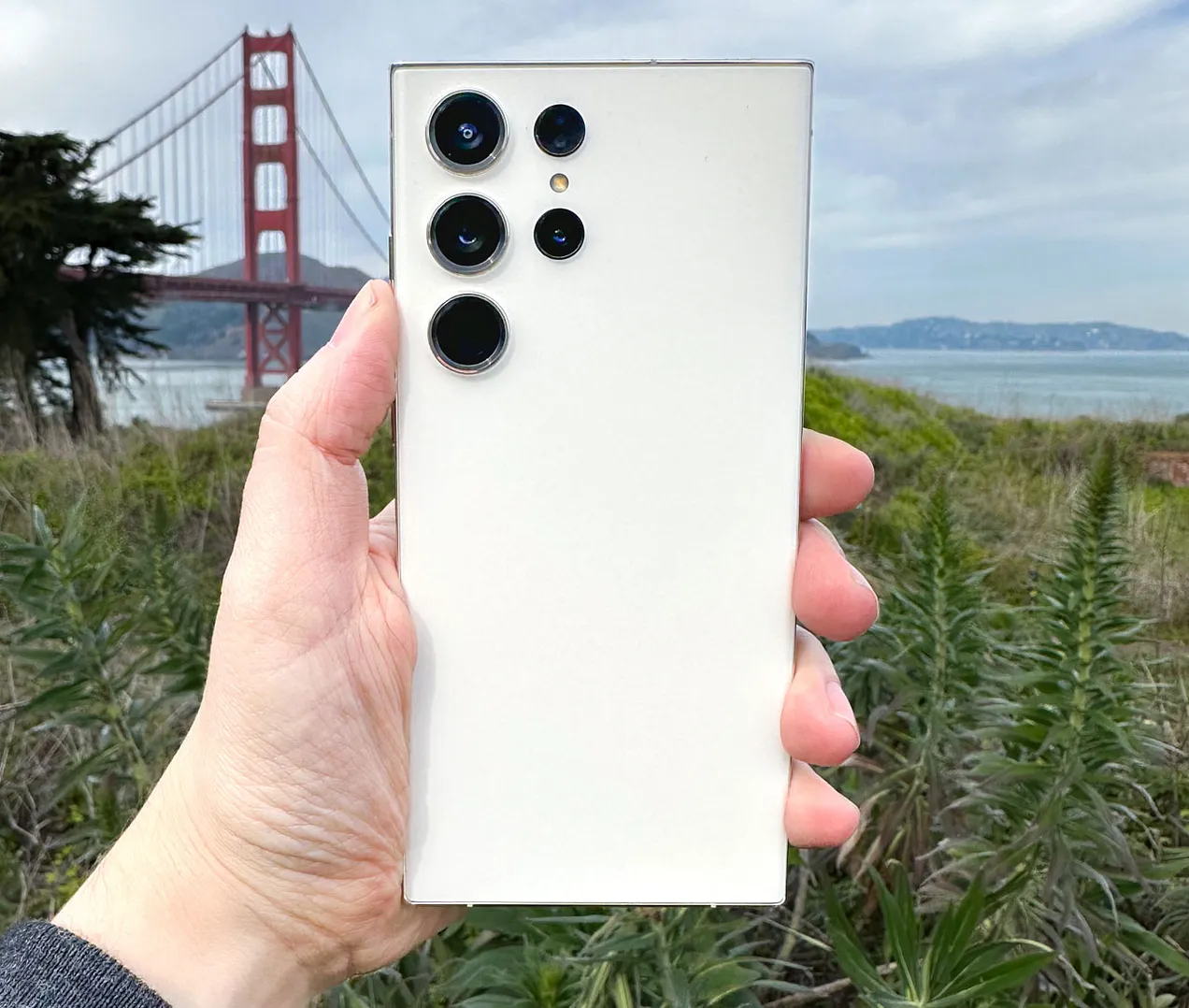
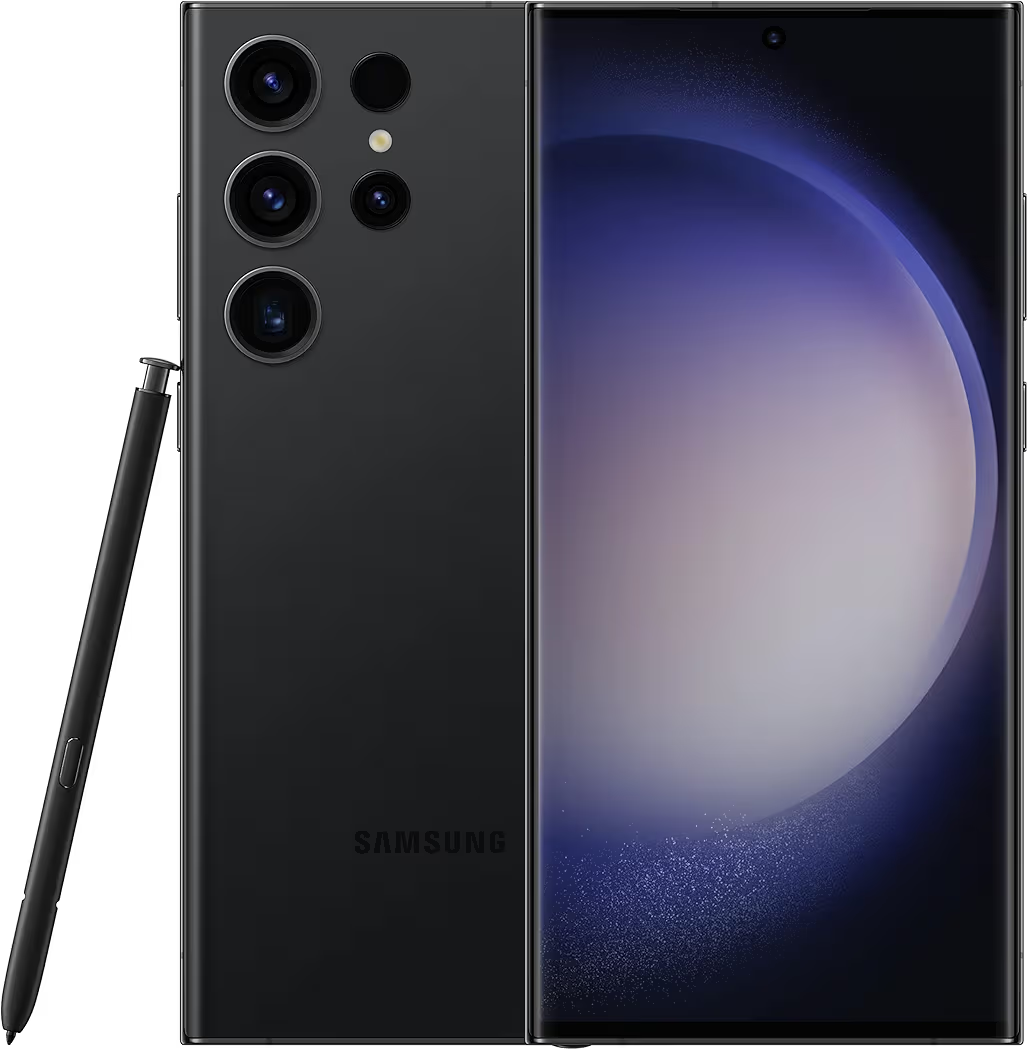
- 200MP main sensor with pixel binning
- 10x optical zoom with OIS
- 8K video at 30fps
- 12MP selfie camera with autofocus
- RAW photo support through Expert RAW
What Makes the S23 Ultra Camera Special?
200MP Sensor Explained Simply
The main 200MP sensor captures huge amounts of detail. However, during our tests, we rarely used full 200MP mode for casual shots. Instead, the default 12MP mode produced brighter and cleaner images faster.
Samsung combines 16 pixels into one larger pixel. As a result, night photos look cleaner with less grain. In real use, this made indoor restaurant photos noticeably sharper compared to older Galaxy devices.
For users interested in Samsung photography tips, you can also check Samsung Galaxy S23 Ultra Tips and Tricks.
Why the 10x Zoom Still Beats Most Phones
The 10x periscope lens remains the biggest advantage of this flagship smartphone. While testing near a busy highway, we captured clear vehicle plate details from long distance without losing much sharpness.
Even at 30x zoom, the phone stayed surprisingly usable. Meanwhile, 100x Space Zoom worked better for fun shots than professional photography.
Galaxy AI and Nightography Improvements
Samsung improved image processing heavily with Nightography. Photos in dim environments looked brighter without destroying shadow detail.
During our evening city walk tests, street lights stayed controlled instead of appearing blown out. Skin tones also looked more natural compared to earlier Galaxy Ultra models.
Real Camera Test Results

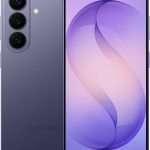
Daylight Photography
Outdoor photos looked sharp immediately. Trees, building textures, and clothing details stayed crisp even after cropping.
Colors leaned slightly vibrant, although they rarely crossed into unrealistic territory. Compared to the Galaxy S25 Ultra vs Pixel 9 Pro XL comparison, the S23 Ultra still delivered stronger long-range zoom performance.
Pro Tip: Use 50MP mode instead of 200MP for faster processing with excellent detail.
Indoor Photos
Indoor performance improved significantly over older Samsung devices. In cafés and shopping malls, exposure stayed balanced without crushing darker areas.

We also noticed autofocus reacted faster when subjects moved slightly. Food photos looked social-media ready without heavy editing.
Low-Light & Night Shots
Low-light photography remains one of the strongest reasons to buy this smartphone camera. Nightography reduced noise effectively while preserving building textures and faces.
During our handheld night tests, the phone consistently captured brighter images than what we could actually see with our eyes.

For more settings, read Best Samsung Galaxy S23 Ultra Camera Settings for Night Photography.
Portrait Photography
Portrait mode handled edge detection surprisingly well. Hair separation looked cleaner than expected, especially outdoors.
Skin tones appeared warmer than Pixel phones, though many users may actually prefer that style for social sharing.
Zoom Test (3x, 10x, 30x, 100x)
| Zoom Level | Real-World Result |
|---|---|
| 3x | Excellent for portraits and street shots |
| 10x | Sharp enough for travel photography |
| 30x | Usable with decent lighting |
| 100x | Mostly experimental but still impressive |
While testing from a rooftop location, we captured readable text from a distant billboard at 10x zoom. Few smartphone cameras still handle this level of optical reach consistently.
Video Recording Test
4K vs 8K Quality
Most users should stick with 4K 60fps. It balances detail, stabilization, and storage efficiency better.
8K recording looked sharp, yet files consumed storage aggressively. One minute of 8K footage used more than 600MB during our tests.
Stabilization While Walking
Video stabilization remains excellent. While filming handheld during a market walk, footage looked smooth enough to resemble gimbal support.
Super Steady mode cropped slightly into the frame, although it reduced shake significantly.
Battery Drain During Video Recording
Extended camera use impacts battery quickly. Recording 8K video for 35 minutes reduced battery by nearly 24% during our outdoor test session.
Note: Heat buildup becomes noticeable faster under direct sunlight.
If you also care about accessories for Samsung devices, you may like Best USB-C Chargers for Samsung Phones.
Problems I Noticed During Testing
Large File Sizes
Storage fills quickly if you constantly shoot in 200MP mode. Individual images ranged between 22MB and 40MB in our tests.
RAW files consumed even more space.
Heating During Long 8K Recording
After around 25 minutes of continuous 8K capture, the phone became noticeably warm. Performance stayed stable, although battery drain increased.
Occasional Motion Blur
Fast-moving subjects sometimes produced blur indoors. This mostly happened in low light where shutter speeds dropped automatically.
Even so, results still looked better than many mid-range smartphone cameras.
Best Camera Settings for Better Photos
Best Night Settings
We achieved the best handheld night shots using:
- ISO between 400 and 800
- Night Mode enabled
- Exposure slightly lowered
- 3-second timer for stability
Best Zoom Settings
For clearer long-range shots, stay between 10x and 30x. Beyond that, AI sharpening becomes aggressive.
A tripod also improved sharpness dramatically during evening zoom tests.
Best RAW Workflow
Expert RAW gives creators more editing flexibility. Our team used RAW files for recovering shadows and correcting highlights in Lightroom.
However, casual users may prefer standard JPEG processing because it looks ready for Instagram instantly.
You can also compare camera-focused Samsung phones in Samsung Galaxy S23 Ultra vs iPhone 15 Pro Max.
S23 Ultra vs Other Phones
vs iPhone 15 Pro Max
The iPhone still handles video color consistency slightly better. Nevertheless, Samsung wins comfortably in zoom flexibility.
Portrait shots from the iPhone looked more natural, while the S23 Ultra produced brighter night scenes.
vs Pixel 8 Pro
Google’s Pixel delivered excellent computational photography. Yet Samsung maintained better telephoto performance during travel photography tests.
vs Galaxy S25 Ultra
The S25 Ultra improved AI processing and low-light consistency. Still, the difference was smaller than expected during side-by-side testing.
For many buyers, the S23 Ultra remains the better value flagship smartphone in 2026.
Is the S23 Ultra Camera Good for Content Creators?
Yes, especially for creators who shoot travel videos, YouTube shorts, or outdoor content.
The combination of 10x optical zoom, stable 4K footage, and RAW support gives creators more flexibility than many competing devices.
Our team also noticed microphones captured cleaner voice recordings outdoors compared to several mid-range Android phones.
If you enjoy mobile accessories for creators, you may also find Best Samsung Galaxy S25 Ultra Cases useful.
Who Should Buy It in 2026?
| User Type | Why It Makes Sense |
|---|---|
| Travelers | Excellent zoom and reliable battery life |
| Creators | RAW editing and strong stabilization |
| Photography Enthusiasts | Versatile shooting options |
| Casual Users | May feel expensive for simple photography |
If you mainly take casual selfies or food photos, cheaper Galaxy phones may already satisfy your needs.
Meanwhile, photography enthusiasts will appreciate the flexibility this flagship camera still offers.
Final Verdict
The Samsung Galaxy S23 Ultra camera still performs like a premium photography tool in 2026. Its 200MP sensor captures exceptional detail, the 10x zoom remains impressive, and low-light performance continues to compete with newer flagship smartphones.
More importantly, the camera feels practical in everyday use. During our real-world testing, it consistently delivered reliable shots across daylight, indoor scenes, and nighttime photography.
Although storage demands and heat during 8K recording remain drawbacks, the overall experience still feels polished. For creators, travelers, and users who genuinely enjoy smartphone photography, the S23 Ultra remains one of Samsung’s strongest camera phones.
If you want more Galaxy-related accessories, you can also explore Best Samsung S23 Screen Protector Top Options and How to Fast Charge Your Galaxy S23 Series.