
The official Jaiz Bank transfer code is *773#. To perform a transaction, simply dial *773# from the mobile number linked to your account. This USSD service allows you to send money, buy airtime, and check your balance instantly without an internet connection.
Quick Guide for 2026:
- Transfer Money: Dial *773*Amount*AccountNo#
- Buy Airtime: Dial *773*Amount#
- Check Balance: Dial *773*0#
Note: Per 2026 NCC directives, a standard ₦6.98 network session fee applies to all USSD banking transactions.
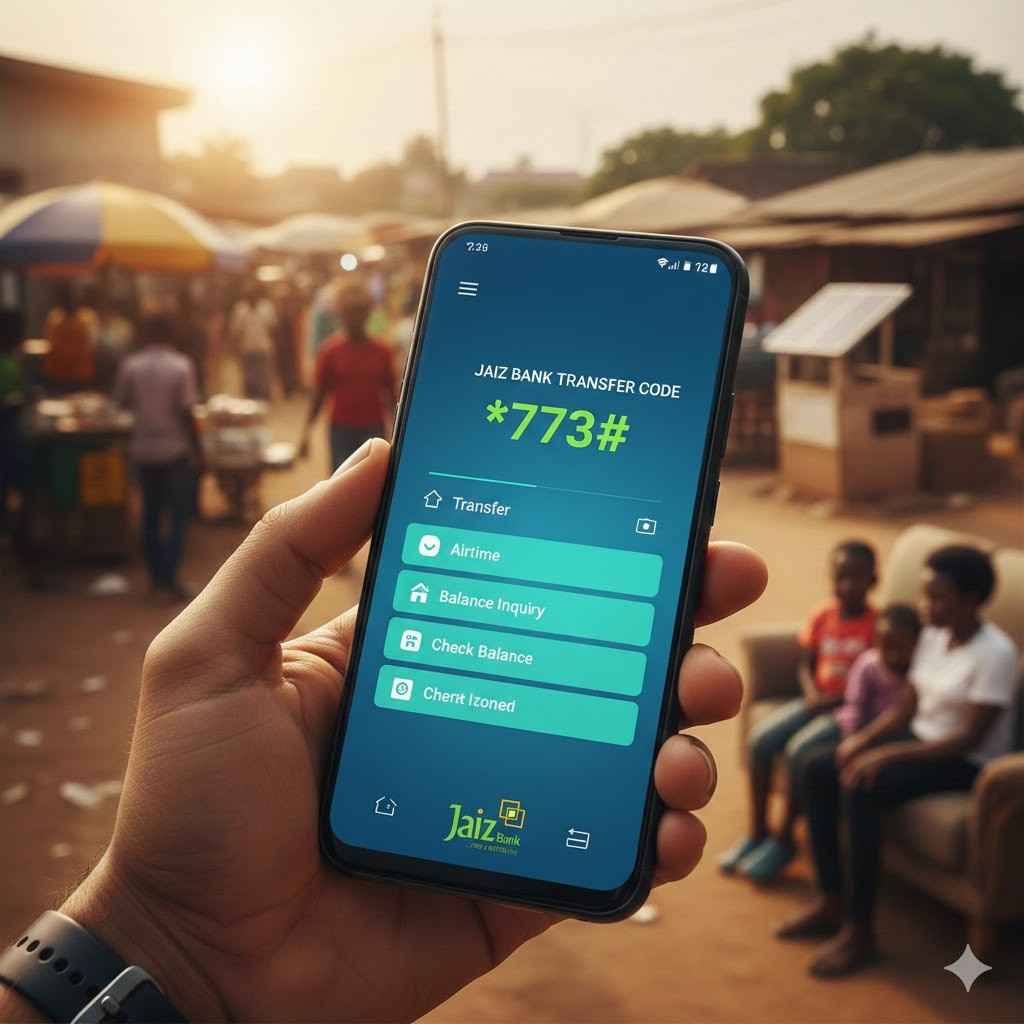
Modern Banking for the Mobile Age
In 2026, the digital divide is closing faster than ever. That is why the Jaiz Bank USSD platform remains the ultimate bridge between high-end smartphones like the Samsung Galaxy A36 and basic feature phones. Whether you are using the latest AMOLED display or a simple button phone, the banking experience remains seamless and inclusive.
But here is the best part.
As Nigeria’s premier non-interest financial institution, Jaiz Bank ensures that your mobile banking adheres to ethical standards. You get the speed of modern technology combined with the transparency of Islamic banking. It is fast, secure, and designed to work even in areas with the weakest 4G or 5G signals.
How to Register and Activate Jaiz Bank USSD Code
To activate the Jaiz Bank USSD code registration, dial *773# on your registered mobile line and follow the prompts to create your 4-digit transaction PIN. You will need your 10-digit account number and your Date of Birth or debit card details to verify your identity during this one-time setup.
Specifically, you should follow these three essential steps to ensure a smooth activation:
- Prepare your credentials: Have your 10-digit Jaiz Bank account number and registered SIM card ready.
- Dial *773#: Select the registration option and enter your details accurately.
- Secure your PIN: Create a unique 4-digit PIN. Do not use 0000 or 1234; choosing a complex number is your first line of defense against unauthorized access.
The Complete Jaiz Bank Code Directory
Speed is everything when you are in a hurry. In fact, memorizing these shortcodes can save you minutes of navigating through sub-menus. Below is the comprehensive directory for all Jaiz Bank USSD services in 2026.
| Service Description | USSD Shortcode |
|---|---|
| Main Menu | *773# |
| Check Account Balance | *773*0# |
| Buy Airtime (Self) | *773*Amount# |
| Buy Airtime (Others) | *773*Amount*Phone# |
| Transfer to Jaiz Bank | *773*1*Amount*Account# |
| Transfer to Other Banks | *773*2*Amount*Account# |
Transferring Money: A Deep Dive
Sending funds via the Jaiz Bank transfer code is the most efficient way to handle payments on the go. Whether you are sending money to a business partner or a family member, the code of Jaiz Bank (*773#) ensures the money arrives in seconds. Think of it as a digital teller that lives in your pocket.
To transfer to other banks: Dial *773*2*Amount*AccountNo#. You will be prompted to select the destination bank (such as Zenith, GTB, or OPay) and confirm the recipient’s name before entering your PIN. That is why it is crucial to always double-check the name on the screen to prevent errors.
What about limits? For 2026, the standard daily USSD limit is ₦100,000. If you need to send more, you must use the Jaiz Mobile Plus app or visit a local branch to increase your transaction ceiling.
Mobile Top-Ups: Airtime and Data
Is your phone running low on credit? You can buy airtime by dialing *773*Amount# for yourself or *773*Amount*Phone# for others. This service is available across MTN, Glo, Airtel, and 9mobile networks, ensuring you stay connected regardless of your provider.
But wait, there is more.
If you are an Airtel user and the bank network is slow, you can use the Airtel *444# alternative to access your bank funds for airtime. In practice, having both codes memorized is a lifesaver in remote areas with poor network reception. It makes for the perfect gift—instantly sending airtime to a loved one’s phone with just a few taps.
Security & Troubleshooting: What if *773# is Not Working?
If your Jaiz Bank USSD code is not working, ensure you have at least ₦7 in your airtime balance and that your registered SIM card is inserted into SIM Slot 1. Most failed transactions occur because of insufficient network airtime to cover the ₦6.98 NCC session fee or because the phone is attempting to dial from an unregistered secondary SIM.
Specifically, you should keep these three troubleshooting fixes in mind:
- The ₦6.98 Session Fee: Unlike mobile data, USSD costs are deducted from your network airtime. That is why you must have a minimum of ₦7 on your line, or the session will fail immediately.
- SIM Slot Priority: Many smartphones prioritize the data line. If your Jaiz-linked SIM is in Slot 2, the bank might not recognize the request. In practice, always move your bank SIM to Slot 1 for the best results.
- Network Congestion: If you see a “Connection problem or invalid MMI code” error, wait 30 seconds and try again. In fact, this usually means the cellular tower is temporarily overloaded.
What if your phone is stolen?
Your security is the top priority. Specifically, you can dial *773*911# from any mobile phone to instantly block your account. This emergency feature prevents unauthorized transfers if your device falls into the wrong hands. It is a vital tool for protecting your hard-earned money in 2026.
Expert Comparison: Jaiz Bank USSD vs. Jaiz Mobile Plus App
Choosing between the *773# code and the Jaiz Mobile Plus app depends entirely on your current situation. Indeed, both tools serve different purposes. While the USSD code is the king of speed and reliability in areas with zero data, the app offers a richer visual experience for complex tasks.
When to use the USSD code: Use it for quick airtime top-ups, checking your balance at a glance, or sending money when you are in a remote area with poor 4G/5G coverage. Essentially, it is your “emergency kit” for banking.
When to use the Jaiz Mobile Plus App: The app is superior when you need to download PDF receipts, view a full transaction history, or manage specialized services like Hajj savings and investments. You can find the official download links on the Google Play Store and the Apple App Store. For deeper account management, always visit the official Jaiz Bank Website.
Frequently Asked Questions
What is the Jaiz bank sort code?
Many users confuse the Jaiz bank sort code with the USSD code. Actually, a sort code is a 9-digit number used for electronic fund transfers and identifying specific bank branches, whereas *773# is the USSD string for mobile banking. You do not need a sort code to use the *773# service.
Can I check my balance for free?
Truth be told, while the bank does not charge a specific “fee” to view your balance, the mobile network providers (MTN, Airtel, etc.) apply a mandatory ₦6.98 session charge. That is why it is best to check your balance only when necessary to save on airtime costs.
How do I reset my Jaiz USSD PIN?
If you forget your PIN, dial *773# and select the “Settings” or “PIN Reset” option. You will need to provide your 10-digit account number and answer security questions or provide your debit card details. Furthermore, never share your new PIN with anyone, including people claiming to be bank officials.
Final Verdict: Why *773# is Your Digital Financial Tool
In a fast-paced world, having the Jaiz Bank transfer code at your fingertips is no longer a luxury—it is a necessity. In summary, the *773# service offers unmatched convenience, working on any mobile device without the need for an internet connection. It bridges the gap between traditional banking and the digital future.
Specifically, its ability to function 24/7 during network outages makes it the most reliable way to manage your money in Nigeria today. Have you tried dialing *773# today? If you are having any trouble getting your PIN to work or activating your profile, let me know in the comments below so I can help you fix it!