
Can I use MTN Broadband data on my phone?
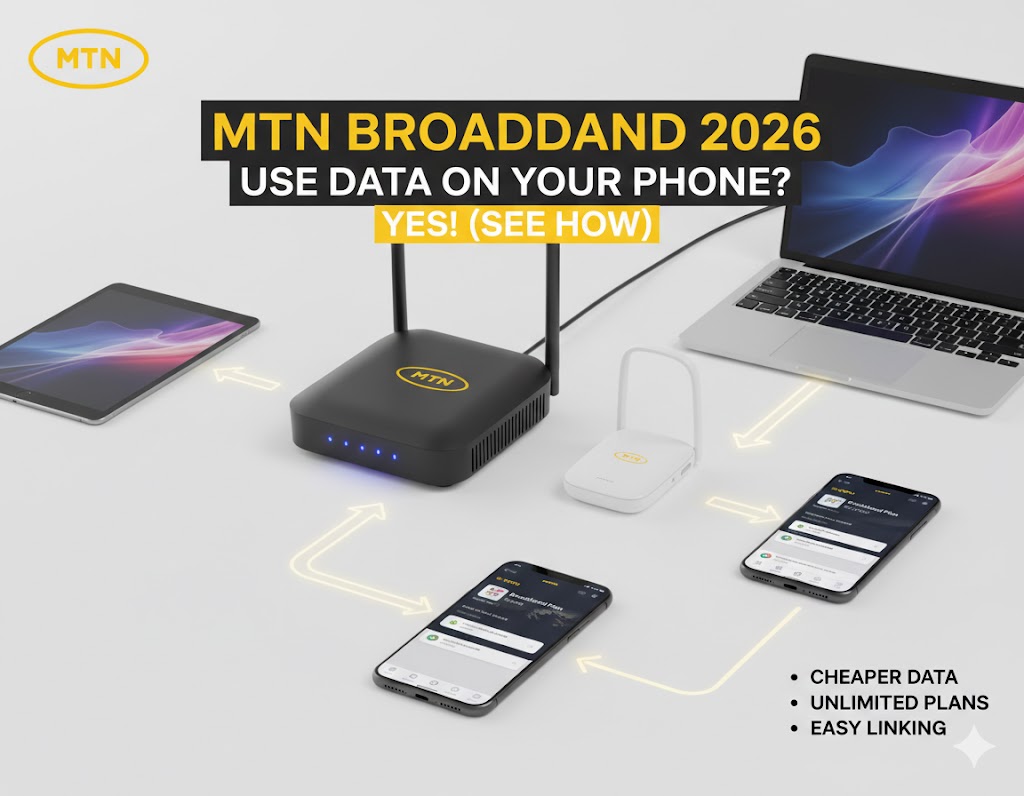
Yes, you can use MTN Broadband data on your phone in 2026. MTN allows you to link your mobile number as a beneficiary through the Broadband One Account feature.
To link your phone, dial *312*500# on your primary mobile phone, select the option to link a device, and enter your broadband SIM number as the sponsor. Once the numbers are successfully linked, your phone can use the shared broadband data balance.
 MTN Broadband Data Plan vs Regular Mobile Data: What Is the Difference?
MTN Broadband data is designed for high-volume internet use through devices such as routers and MiFi devices. Regular mobile data, by contrast, is designed primarily for smartphones and other mobile devices.
The main difference is the way MTN provisions the broadband service. Broadband plans can provide larger data volumes for users who stream, work remotely, attend video meetings, or connect several devices.
For example, the existing broadband options include 30GB for ₦9,000, while a regular mobile bundle can provide a smaller data allowance at a higher cost per gigabyte. You can also compare regular options through the cheapest MTN data plans guide.
Therefore, a broadband plan can make more sense for users with high monthly data consumption. The right option still depends on broadband eligibility, network availability, device compatibility, and the amount of data required.
MTN Broadband Data Codes: Quick Answer
The main code supplied for managing the MTN Broadband One Account is *312*500#. This code lets you access the linking and device-management process from a primary mobile phone.
| Task | USSD Code | How to Use It |
|---|---|---|
| Link your phone to Broadband | *312*500# | Dial the code on your primary phone and follow the prompts to link the broadband SIM. |
| Link as beneficiary | *312*500*1# | Use the supplied linking process to add the mobile number as a beneficiary. |
| Check Broadband balance | *461*4# | Dial the code to check the broadband data balance. |
| Alternative balance check | *323*4# | Use the alternative balance-checking code supplied for MTN Broadband. |
Important: The linking process requires the broadband SIM number and the mobile number you want to use as the beneficiary. Follow the prompts shown after dialing the applicable code.
How to Transfer MTN Broadband Data to Your Phone: Step-by-Step
To transfer MTN Broadband data to your phone, link your mobile number as a beneficiary through the MTN Broadband One Account. The broadband SIM remains the sponsor, while your mobile number becomes the beneficiary.
1. Keep the Broadband SIM active
First, make sure the MTN Broadband SIM is active in your router or MiFi device. The broadband connection should already be provisioned for the applicable broadband service.
2. Use the MTN router data code
On your primary mobile phone, dial the MTN router data code *312*500#. This opens the Broadband One Account management process.
3. Select the device-linking option
Follow the USSD prompts and select the option for Link/Manage Device when it appears. The exact menu option should be selected from the menu displayed on your screen.
4. Enter the Broadband SIM number
Enter the number of the MTN Broadband SIM associated with your router or MiFi when requested.
5. Complete the beneficiary setup
Complete the prompts to authorize the mobile number as a beneficiary. Once the linking process succeeds, the mobile number can access the shared broadband data balance.
6. Test the connection
After linking, check the broadband balance and browse from the phone. If the phone does not access the shared balance, use the troubleshooting steps below before repeating the process.
Quick answer: The key process for how to transfer MTN broadband data to phone is to use *312*500#, link the broadband SIM as the sponsor, and register your mobile number as the beneficiary.
MTN Broadband One Account Code: How the Sponsor and Beneficiary Work
The MTN Broadband One Account connects a broadband SIM with mobile numbers that are allowed to use its data balance. The broadband SIM acts as the sponsor, while the linked mobile numbers act as beneficiaries.
What is the Broadband SIM?
The Broadband SIM is the SIM associated with the MTN router or MiFi service. It holds the broadband data subscription that you want to share through the One Account feature.
What is a beneficiary?
A beneficiary is the mobile number linked to the broadband account. The linked number can then use the shared broadband data according to the applicable account rules.
Does the phone need to contain the Broadband SIM?
No. The supplied One Account process is designed to let you link your primary mobile number to the broadband SIM. This means the broadband SIM can remain associated with the router or MiFi.
Eligible Devices: Can You Use MTN 5G Router Data on 4G Phones?
Yes, the phone can use shared MTN Broadband data when the mobile number is successfully linked as a beneficiary. The broadband connection itself can remain on a compatible MTN router or MiFi.
However, the phone’s network capability and the router’s network capability are separate considerations. A 5G router can provide the broadband connection, while a beneficiary phone may still connect through the mobile network technology supported by that phone.
Can an MTN eSIM use Broadband data?
The supplied content does not establish a separate eSIM-specific eligibility rule for MTN Broadband One Account. Therefore, an MTN eSIM should not be assumed to have a different entitlement without confirmation from MTN.
Can a standard LTE MTN SIM use Broadband data?
A standard mobile SIM should not automatically be treated as an MTN Broadband SIM. The broadband service in this guide is associated with a dedicated broadband setup and its applicable eligibility rules.
What about an MTN Yellow Broadband SIM?
The existing information states that dedicated Broadband SIMs are required for the specific broadband plans discussed here. A standard MTN Yellow SIM should therefore not be assumed to qualify for the same broadband pricing.
Can a 4G phone use data from an MTN 5G router?
The phone does not need to support 5G simply because the broadband router supports 5G. The router and smartphone have separate network capabilities.
When the phone is linked as a beneficiary, the important step is completing the One Account authorization correctly. The phone can then use the shared broadband data according to the applicable service rules.
MTN 5G Router Data Plans: What You Need to Know
MTN 5G routers are intended for high-speed broadband connectivity and can support high-volume data use. The existing broadband information includes 5G router services alongside 4G MiFi and 4G router options.
5G Router activation bonus
The supplied information states that a new 5G router can receive between 100GB and 120GB of free data, depending on the promotional cycle.
Because promotional allowances can change, check the applicable offer when purchasing or activating the device.
5G router data and your phone
Your smartphone does not need to contain the broadband SIM to use the shared data. Instead, the mobile number can be linked as a beneficiary through the MTN Broadband One Account.
This setup is useful when the router stays at home while the beneficiary uses the shared broadband data on a mobile phone.
MTN Broadband Plans 2026: Requirements, Eligibility, and Subscription Process
MTN Broadband plans require the appropriate broadband setup and an eligible device or SIM configuration. The supplied information identifies MiFi devices, HyNetflex devices, and 4G or 5G routers as part of the broadband ecosystem.
MTN MiFi and router requirements
MTN Broadband services are designed around compatible broadband devices. These include portable Pocket MiFi devices, 4G routers, and 5G routers.
Dedicated Broadband SIM requirements
The supplied content states that users should obtain a dedicated Broadband SIM from an MTN Experience Center or authorized retailer for the applicable broadband plans.
Keeping the Broadband SIM active
The existing information states that MTN Broadband SIMs have a 180-day activity window. A SIM that remains without a revenue-generating event during that period may be deactivated and the number recycled.
For that reason, regular use or an eligible revenue-generating transaction can help keep an active broadband number from becoming inactive.
MTN Broadband Data Plans: Pricing and Cost Per GB
MTN Broadband plans provide different data volumes for light, moderate, and heavy users. The supplied plan information includes monthly options and a yearly 1.5TB option.
| Plan Name | Data Volume | Price | Cost Per GB |
|---|---|---|---|
| Monthly Budget | 30GB + 5GB YouTube | ₦9,000 | ₦300 |
| Standard Monthly | 60GB + 5GB YouTube | ₦14,500 | ₦241 |