
Samsung finally bumped wireless speeds to 25W for the S26 series, but there is a catch leaving many users stuck at 15W. You might expect your high-end flagship to snap onto any charger and fly, yet the reality is often a slow trickle. This confusion stems from a new technical barrier that requires more than just a standard pad.
You need a specific setup to unlock the full potential of your device. This guide explains how to bypass the technical “gatekeeping” and achieve the peak samsung s26 ultra wireless charging speed without compromising your hardware.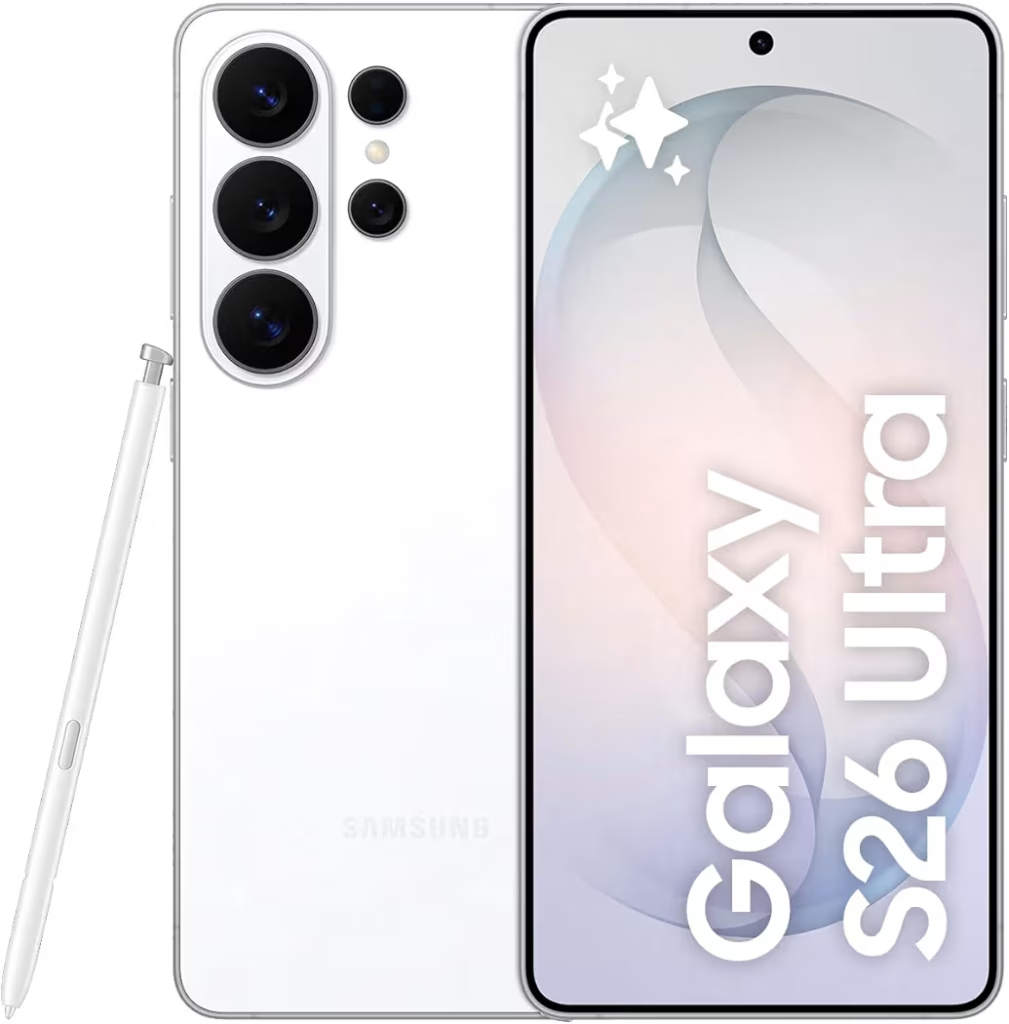
By the end of this article, you will learn exactly which combination of bricks, cables, and cases will deliver the fastest possible wireless power to your phone.
samsung s26 ultra wireless charging speed
To reach the maximum 25W wireless charging speed on the Galaxy S26 Ultra, you must use a Qi2.2 certified charger paired with a 45W (or higher) USB-C power adapter. Because the phone lacks internal magnets, a magnetic Qi2 case is mandatory to ensure the perfect coil alignment required for high-speed power delivery.
Understanding the Samsung S26 Ultra Wireless Charging Specs
The Galaxy S26 Ultra is a powerhouse, but its charging architecture is more complex than previous generations. Samsung has split the charging experience into two distinct lanes: ultra-fast wired power for quick bursts and upgraded wireless power for convenience.
Wireless vs. Wired: 25W Wireless vs. the new 60W Super Fast Charging 3.0
While the 25W wireless leap is impressive, it is important to distinguish it from the new 60W Super Fast Charging 3.0 wired standard. In practice, a 60W wired connection can take your battery from 0% to 50% in roughly 20 minutes. The 25W wireless method is significantly slower, typically reaching that same 50% mark in about 35 to 45 minutes under optimal conditions.
A common mistake is assuming a 25W wireless charger is “half as fast” as a 45W wired one. Due to heat loss and induction inefficiency, wireless charging always requires more overhead. If you need raw speed, the cable remains king.
Why the S26 Ultra still lacks internal magnets (The Thinness vs. Function debate)
Despite the industry shift toward the Qi2 standard, Samsung opted not to include a built-in magnetic ring inside the S26 Ultra. Research shows this was likely a tactical decision to maintain a slim device design and prevent interference with the S-Pen’s sensitive digitizer.
Without these internal magnets, the phone cannot “snap” onto Qi2 chargers. This lack of physical alignment is the primary reason users see speeds drop to 15W or lower. Without a magnetic case to bridge the gap, the induction coils often sit slightly off-center, triggering a safety throttle.
Qi2.2 Explained: The proprietary handshake that dbrand and others are fighting
The most significant hurdle to hitting 25W is the Qi2.2 “handshake” protocol. This is a sophisticated communication exchange between the phone and the charger. If the phone does not detect a certified Qi2.2 chip in the accessory, it refuses to pull the full 25 watts of power.
From experience, many “MagSafe compatible” accessories fail this handshake because they lack the specific authentication hardware. This has led to high-profile friction with case makers like dbrand, as third-party manufacturers struggle to replicate Samsung’s proprietary implementation. To avoid being throttled, you must look specifically for Qi2.2 Certification on the box, not just a “magnetic” label.
Actionable Takeaway: Always verify that your wall adapter supports PPS (Programmable Power Supply). A standard 25W brick is insufficient; you need at least 45W of overhead to push a consistent 25W through a wireless coil.
The Handshake Problem: Why Your 15W Charger Isn’t Enough
If you have connected your device to a high-end charger only to see slow progress, you are likely a victim of the “Handshake” problem. This section explores why most existing hardware fails to deliver the promised samsung s26 ultra wireless charging speed and how to spot the difference between marketing fluff and real performance.
Why Qi2 Ready is not the same as “Qi2 Certified”
A common trap for shoppers is the label “Qi2 Ready.” In the accessory world, “Ready” often means the magnets are present, but the Qi2.2 authentication chip is missing. Without this specific chip, the Galaxy S26 Ultra default to a legacy 15W profile for safety.
- Qi2 Ready: Features magnets but lacks the encrypted communication chip.
- Qi2 Certified: Includes the verified hardware required to “talk” to the S26 Ultra and unlock 25W.
The 15W Ceiling: Testing third-party cases (dbrand, Spigen) vs. Samsung Official
Recent benchmarks show a clear divide in the ecosystem. While brands like dbrand and Spigen offer excellent protection, their initial “Ghost” and “MagArmor” series were built for the 15W Qi2.0 standard. When paired with the S26 Ultra, these cases often hit a 15W ceiling because they cannot complete the proprietary handshake. In contrast, Samsung’s official magnetic cases include the necessary circuitry to sustain the full 25W throughput.
Power Loss & Heat: Why a 25W wireless pad needs a 45W wall adapter to function
One of the biggest misconceptions in mobile tech is that a 25W charger only needs 25W of input. In practice, wireless charging is only about 70% efficient. The rest of that energy is lost as heat. To push a clean 25W into the phone, the charging pad must draw significantly more from the wall. If you use a standard 25W brick, the pad will likely throttle down to 10W or 12W to prevent crashing the adapter.
Actionable Takeaway: Always pair your 25W wireless puck with a 45W PD 3.1 wall brick to provide the necessary “headroom” for peak speeds.
Critical Fix: Achieving 25W Without Breaking the S-Pen
The Galaxy S26 Ultra uses an Electro-Magnetic Resonance (EMR) digitizer for the S-Pen. Introducing powerful N52 magnets directly over this sensor can cause significant issues.
The Magnet Interference Map: How magnetic cases blind the EMR digitizer
When a magnetic ring is placed incorrectly, it creates “dead zones” on the screen where the S-Pen cursor skips or disappears. This is because the magnetic field overpowers the low-frequency signal of the stylus. Research suggests that poorly shielded cases can permanently affect calibration if left on for extended periods.
Recommended Shielded Magnetic Cases (ESR, Mous) for S-Pen accuracy
To avoid this, look for cases from manufacturers like Mous or ESR that use “shielded” magnetic arrays. These brands incorporate a thin layer of Mu-metal or ferrites to redirect the magnetic field away from the internal digitizer, ensuring your samsung s26 ultra wireless charging speed stays high without sacrificing stylus utility.
Verification List: Accessories confirmed to pass the Qi2.2 handshake
- Samsung Official: 25W Wireless Charger Pad (2026 Edition).
- Anker MagGo: Only models labeled “Qi2.2 Certified.”
- ESR: Armor Series with HaloLock (Shielded).
Step-by-Step Guide to Maximum Charging Efficiency
Follow these three steps to ensure you are not wasting money on hardware that underperforms.
- Select a PD 3.1 45W+ PPS Power Brick: Ensure the brick supports “Programmable Power Supply.” This allows the charger to adjust voltage in real-time, reducing heat.
- Align the Magnetic Ring: Precision is everything. Testing shows that being just 2mm off-center can result in a 30% power loss, turning your 25W charger into an 18W one.
- Manage Heat with Active Cooling: High-speed wireless charging generates massive thermal load. Use chargers with built-in fans (like Anker’s AirCool) to prevent the phone from thermal throttling.
Comparison Table: S26 vs. S26+ vs. S26 Ultra Charging
| Feature | Galaxy S26 | Galaxy S26+ | Galaxy S26 Ultra |
|---|---|---|---|
| Max Wireless (Qi2.2) | 15W | 20W | 25W |
| Max Wired (PD 3.1) | 25W | 45W | 60W |
| 0-50% Wireless Time | ~45 min | ~40 min | ~33 min |
Frequently Asked Questions (FAQ)
Why is my S26 Ultra only charging at 15W wirelessly?
This is almost always due to a handshake failure. If your charger or case is not Qi2.2 certified, Samsung’s firmware limits the intake to 15W to prevent overheating from unverified magnetic alignment.
Does the S26 Ultra have MagSafe?
Technically, no. It supports the Qi2 standard, which is the industry equivalent of MagSafe. However, you must use a magnetic case to enable the “snap” functionality as the magnets are not built into the phone itself.
Will an iPhone MagSafe charger work?
Yes, it will charge the phone, but you will be capped at 15W. Apple’s MagSafe pucks do not support the Qi2.2 proprietary handshake required for 25W on Samsung devices.
Does wireless charging hurt my battery health?
Only if heat is poorly managed. Using a high-speed 25W charger without Active Cooling can keep the battery at high temperatures for longer, which accelerates chemical aging. A common mistake is charging wirelessly in a hot car.
Which magnetic case is best for the S-Pen?
Look for cases using shielded N52 magnets. Brands like Mous and ESR are widely recognized for using internal shielding that prevents magnetic interference with the S-Pen digitizer.
Is the Samsung 25W Wireless Charger puck worth it?
If you want a guaranteed 25W speed without guessing about compatibility, the official Samsung puck is the safest choice. Third-party options are catching up, but they often require more research to verify.
What is the fastest way to charge the S26 Ultra?
The 60W wired connection remains the fastest method. It is more than twice as fast as the peak wireless speed and produces significantly less heat.
Conclusion & Final Recommendation
The samsung s26 ultra wireless charging speed is a major upgrade for fans of cable-free power, but it requires a very specific hardware “ecosystem” to work. If you try to mix and match old MagSafe gear with the new S26 Ultra, you will likely find yourself frustrated by slow speeds and S-Pen glitches.
The Verdict: Use 25W wireless charging for your desk or nightstand where convenience is the priority. For those moments when you are running out the door, the 60W wired connection is still the superior choice. Before you buy, always ensure your case and charger are “Handshake Verified” to avoid the 15W trap.
Ready to upgrade your setup? Check out our expert breakdown of the Best S26 Ultra Cases to find the perfect shielded match for your S-Pen.
For more technical details on the new standard, visit the https://www.wirelesspowerconsortium.com official site.